
If your event status is "Dates are being entered", that means that you have not yet fully submitted your preferred dates for your event. In order for us to receive your date request and allocate an Examiner to your event, please follow the below steps:
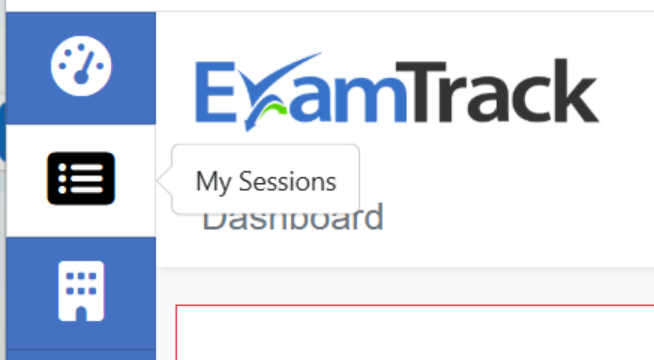
1. Click on the “My Sessions” icon in the top left-hand corner of the page.
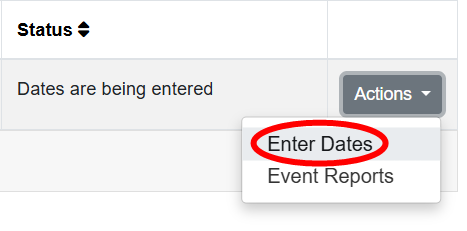
2. Click on the “Actions” button relevant to your event and select “Enter dates”
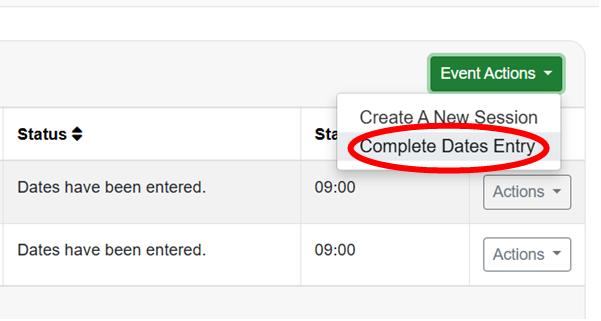
3. Click on the green “Event Actions” button and select “Complete Dates Entry”
4. On the following page, please click “Ok”.